Complete Guide: How to Buy ZESCO Units Online in Zambia
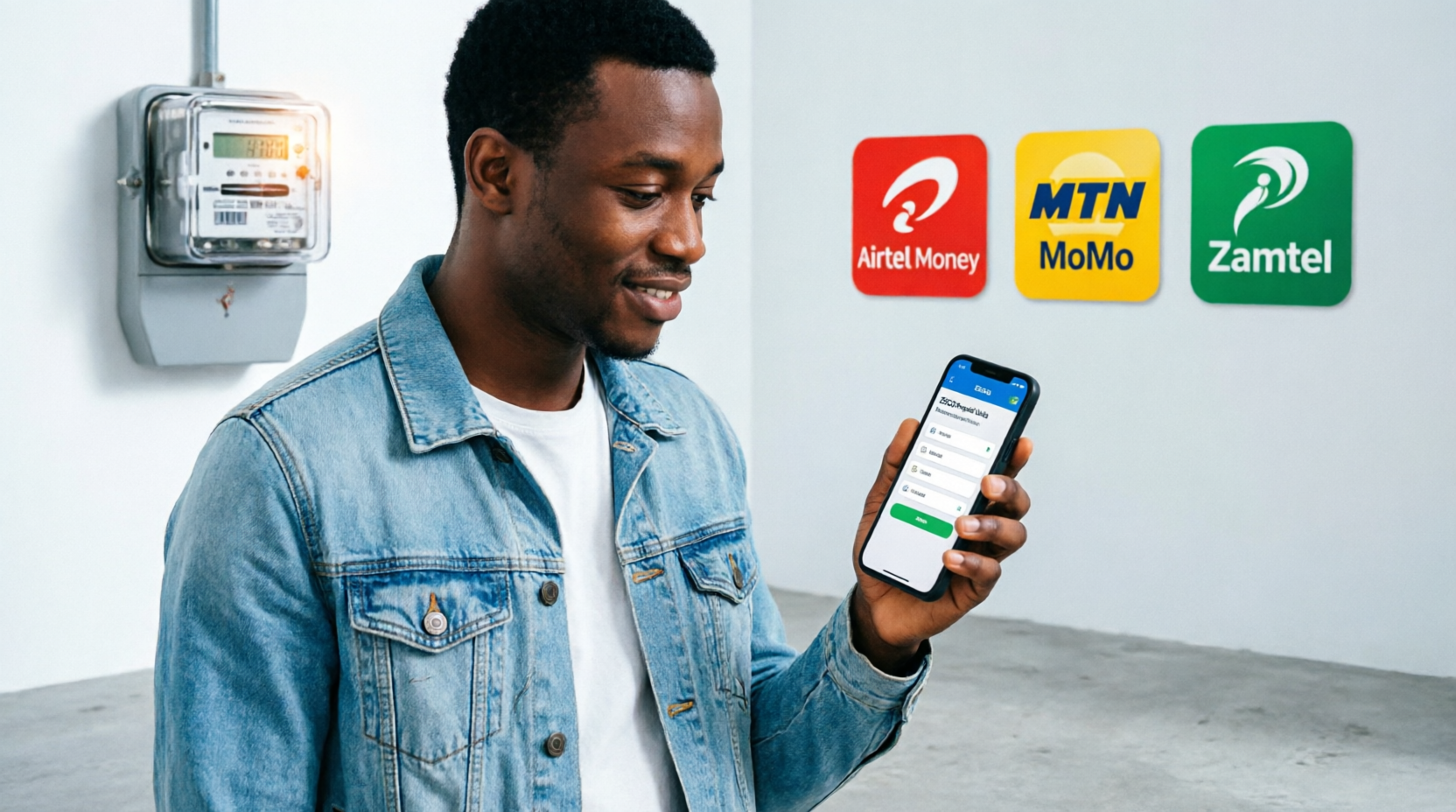
Your comprehensive 2026 guide to purchasing prepaid electricity using Airtel Money, MTN MoMo, and Zamtel Kwacha
📋 What You Need Before You Start
Before purchasing ZESCO units online, ensure you have everything ready for a smooth transaction. Being prepared will help you avoid common mistakes and ensure your electricity is restored quickly.
✅ Pre-Purchase Checklist
Location 2: On previous token SMS receipts
Location 3: On your ZESCO bill or connection documents
Location 4: Ask your landlord or property manager
Never share your Mobile Money PIN with anyone. Legitimate ZESCO or mobile network staff will NEVER ask for your PIN. If someone calls or messages you asking for your PIN, it is a scam. Hang up immediately and report it to your mobile network provider.
📱 Method 1: Buying ZESCO Units via Airtel Money
Airtel Money
USSD Code: *115# | Customer Care: 111
Airtel Money is one of the most popular mobile money platforms in Zambia, offering a reliable and user-friendly way to purchase ZESCO units. Follow these detailed steps:
📱 Airtel Money Menu
Step-by-Step Instructions:
• USSD Code: *115#
• Menu Path: Pay Bills → ZESCO → Meter Number → Amount → PIN
• Customer Care: 111 (Toll-free from Airtel)
• Transaction Fee: Usually free for bill payments
📱 Method 2: Buying ZESCO Units via MTN MoMo
MTN Mobile Money (MoMo)
USSD Code: *303# | Customer Care: 100
MTN Mobile Money (MoMo) is another widely-used platform in Zambia. The process is similar to Airtel Money but with different USSD codes and menu structures.
📱 MTN MoMo Menu
Detailed Step-by-Step Process:
Using the MTN MoMo App (Alternative)
If you have a smartphone, the MTN MoMo app offers a more user-friendly interface:
- Open the MTN MoMo app and log in with your PIN or biometrics
- Tap on “Pay” or “Bill Payments”
- Select “ZESCO” from the billers list
- Enter your meter number and save it for future use
- Enter the amount and confirm
- The app will show your transaction history and token
📱 Method 3: Buying ZESCO Units via Zamtel Kwacha
Zamtel Kwacha
USSD Code: *303# or *333# | Customer Care: 111
Zamtel Kwacha is the mobile money service provided by Zamtel, Zambia’s third mobile network operator. The process is straightforward and similar to the other networks.
📱 Zamtel Kwacha Menu
Complete Instructions:
• USSD Code: *303# or *333#
• Menu Path: Pay Bills → ZESCO → Meter Number → Amount → PIN
• Customer Care: 111 (Toll-free from Zamtel)
🏦 Alternative Methods to Buy ZESCO Units
While mobile money is the most convenient method, there are several other ways to purchase ZESCO units:
1. Bank Mobile Apps and Internet Banking
Most Zambian banks offer ZESCO bill payment through their digital platforms:
Stanbic: Mobile app → Payments → Bill Payments → ZESCO Prepaid
FNB: App or online banking → Payments → Buy Electricity
Absa: Mobile banking app → Pay → Utilities → ZESCO
2. ATM Payments
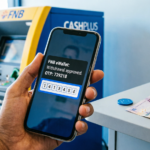
Some bank ATMs in Zambia allow you to purchase ZESCO units:
- Insert your bank card and enter PIN
- Select “Bill Payments” or “Utilities”
- Choose “ZESCO”
- Enter meter number
- Enter amount
- Collect receipt with token
3. Online Payment Platforms
Several online platforms allow ZESCO purchases:
- Zanaco eZCash: Web-based platform for bill payments
- PayGo: Online payment aggregator
- QuickPay: Bill payment service
4. Physical Vending Points
Traditional methods still available:
- ZESCO vending stations
- Authorized token vendors (shops, supermarkets)
- ZESCO customer service centers
🔧 Troubleshooting Common Issues
Even with the best systems, issues can occur. Here’s how to handle common problems:
Problem 1: Money Deducted But No Token Received
Solutions:
- Wait 15-30 minutes: Sometimes SMS delivery is delayed due to network congestion.
- Check SMS inbox and spam: The token SMS might be in your spam folder or you might have accidentally deleted it.
- Check transaction status: Dial your mobile money USSD code again and check “Transaction History” or “Mini Statement” to confirm the transaction went through.
- Contact mobile money provider:
- Airtel: Dial 111 or visit an Airtel Money agent
- MTN: Dial 100 or visit MTN service center
- Zamtel: Dial 111 or visit Zamtel shop
- Contact ZESCO: Call ZESCO customer care at 8111, 0977788111, or 0955788111. Provide them with:
- Your meter number
- Mobile money transaction ID/reference number
- Date and time of transaction
- Amount paid
- Visit ZESCO office: If phone support doesn’t resolve it, visit your nearest ZESCO customer service center with your transaction receipt and NRC.
Mobile money transactions for ZESCO are generally very reliable. Failed transactions are rare, and when they do occur, the money is typically reversed to your account within 24-48 hours automatically.
Problem 2: Token Not Working/Rejected by Meter
Solutions:
- Check for typos: Ensure you entered all 20 digits correctly. ZESCO tokens are case-sensitive and must be exact.
- Check meter display: If the meter shows “Err” or beeps, you may have entered it wrong. You usually have 3 attempts before the meter locks temporarily.
- Wait and retry: If the meter is locked, wait 10-15 minutes and try again.
- Verify meter number: Confirm you bought tokens for the correct meter number.
- Check meter battery: If your meter display is dim or blank, the battery may be dead. Contact ZESCO for battery replacement.
- Contact ZESCO: If the token is correct but still not working, call ZESCO with the token number and meter number for assistance.
Problem 3: Wrong Meter Number Entered
Solutions:
- Act quickly: Contact ZESCO immediately at 8111 or visit a ZESCO office.
- Provide details: Give them:
- Wrong meter number you entered
- Correct meter number (if you know it)
- Transaction reference number
- Amount paid
- Date and time
- Token reversal: If the token hasn’t been used on the wrong meter, ZESCO can sometimes reverse it and issue a new token for the correct meter.
- If token was used: Unfortunately, if someone else used the token on their meter, it cannot be reversed. This is why verification is crucial!
💰 Understanding ZESCO Tariffs and Rates
Understanding how ZESCO tariffs work will help you budget better and understand how many kWh units you’re getting for your money.
ZESCO Prepaid Tariff Categories (2024/2025)
| Tariff Category | Description | Approximate Rate (ZMW/kWh) |
|---|---|---|
| Domestic Lifeline (DL) | For low-consumption households (0-100 kWh/month) | K 0.23 – 0.30 |
| Domestic Normal (DN) | Standard residential tariff | K 0.60 – 0.75 |
| Domestic High (DH) | High-consumption households | K 0.80 – 1.00 |
| Commercial | Small businesses and shops | K 1.10 – 1.50 |
| Industrial | Large industries and factories | K 0.90 – 1.30 |
How to Check Your Tariff Category
You can determine your tariff category by:
- Check your token SMS: The SMS you receive after purchasing units often indicates your tariff category.
- Calculate: Divide the amount you paid by the kWh units received. For example, if you paid K100 and received 150 kWh, your rate is K0.67/kWh (Domestic Normal).
- Contact ZESCO: Call 8111 and ask them to confirm your tariff category.
- Check meter display: Some meters display the tariff code when you press certain buttons.
Example Calculations
• Amount paid: K50
• Tariff: K0.25/kWh (Lifeline)
• Units received: 50 ÷ 0.25 = 200 kWh
• Amount paid: K100
• Tariff: K0.67/kWh (Normal)
• Units received: 100 ÷ 0.67 = 149 kWh
• Amount paid: K500
• Tariff: K1.25/kWh (Commercial)
• Units received: 500 ÷ 1.25 = 400 kWh
💡 Money-Saving Tips and Best Practices
1. Buy in Bulk When Possible
While you can buy as little as K5 worth of units, buying in larger amounts (K200-K500) is more convenient and reduces the frequency of purchases. Some vendors may even offer small discounts for bulk purchases.
2. Monitor Your Usage
Track your monthly consumption to:
- Identify high-consumption appliances
- Detect faulty appliances (sudden increase in usage)
- Budget effectively for electricity costs
- Identify if you qualify for a lower tariff category
3. Use Energy-Efficient Appliances
Reduce your electricity consumption by:
- Using LED bulbs instead of incandescent bulbs (use 75% less energy)
- Buying inverter refrigerators and air conditioners
- Using solar water heaters instead of electric geysers
- Unplugging devices when not in use (phantom load)
- Using natural light during the day
4. Set Up Low Balance Alerts
Some meters allow you to set a low balance alert threshold. Set it to 10-15 kWh so you have time to purchase more units before running out completely.
5. Keep Emergency Tokens
Always keep a small emergency token (K20-K50 worth) saved in case you run out at night or during weekends when vendors may be closed.
6. Regular Meter Maintenance
- Keep your meter clean and dry
- Ensure the meter is easily accessible for token entry
- Protect the meter from direct sunlight and rain
- Report any meter faults to ZESCO immediately
• Replace old appliances with energy-efficient models
• Use pressure cookers instead of regular pots (saves 70% cooking energy)
• Iron multiple clothes at once instead of one at a time
• Keep refrigerator doors closed as much as possible
• Use fans instead of air conditioners when possible
• Wash clothes in cold water instead of hot
❓ Frequently Asked Questions (FAQ)
• If the token hasn’t been used: Contact ZESCO immediately with proof of purchase. They may reverse the transaction.
• If the token has been used: Unfortunately, refunds are not possible as the units have been consumed. This is why verification is crucial!
• Tariff category: Different tariffs have different rates per kWh
• Tariff increase: ZESCO occasionally adjusts tariffs
• Debt repayment: If you had outstanding debt, some units may have gone toward repaying it
• System error: Rare, but contact ZESCO if you suspect an error
• Use mobile money if your SIM is active (even while roaming)
• Ask someone in Zambia to buy for you using your meter number
• Use online banking if you have a Zambian bank account
• The power will be disconnected automatically
• Your meter will display “000” or “Empty”
• You must purchase and enter a new token to restore power
• Some meters give a final warning at 5-10 kWh remaining
• 1-5 minutes: Normal processing time
• 5-15 minutes: During peak hours or network congestion
• 15+ minutes: Unusual delay – contact customer care
• You must use a SIM card registered for mobile money
• You need the account holder’s PIN to authorize
• The token will be sent to the phone number used for the transaction
1. Report the theft/damage to ZESCO customer care (8111)
2. File a police report if stolen
3. Visit ZESCO office with your NRC and proof of residence
4. Pay for meter replacement (if applicable)
5. Any remaining units on the old meter can be transferred to the new meter
• Check your mobile money transaction history – it may show the token
• Contact ZESCO customer care with your transaction reference number
• Visit a ZESCO office with proof of purchase
• Consumption level: Higher usage = higher tariff category
• Property type: Residential vs. commercial
• Location: Some areas have different rates
• Meter type: Old vs. new tariff structures
🎯 Conclusion
Purchasing ZESCO units online has revolutionized how Zambians manage their electricity supply. With mobile money platforms like Airtel Money, MTN MoMo, and Zamtel Kwacha, you can now top up your meter in minutes without leaving your home. The convenience, security, and 24/7 availability make online purchases the preferred method for millions of Zambians.
Remember to always verify your meter number before confirming payment, keep your transaction receipts, and maintain a small emergency balance to avoid unexpected disconnections. By understanding your tariff category and monitoring your usage, you can better manage your electricity expenses and avoid surprises.
As Zambia continues to embrace digital financial services, the process of buying electricity will only become more streamlined and user-friendly. Stay informed about new features and platforms that may emerge, and always use official channels to protect yourself from scams and fraud.
Last Updated: 2026 | Disclaimer: This guide is for informational purposes. USSD codes, tariffs, and procedures may change. Always verify with official ZESCO and mobile network sources for the most current information.