


Quick Business Profit Calculator
Plug in your monthly numbers to instantly see your true profit and profit margin.
| Total Monthly Revenue (Sales) | Cost of Goods Sold (COGS) |
| Monthly Operating Expenses (Rent, Salaries, Utilities, etc.) | |
Your Business Health:
Why “Guessing” is Costing You Money
A lot of us just look at the cash in the till. You sell a product for K200. You bought it for K150. You tell yourself you made K50. But you forget the K10 you spent on transport to get it, the K5 for the packaging, and the fact that you’re paying K3,000 a month for that shop space. When you don’t track this properly, you end up making decisions that actually hurt the business—like dropping prices just to get sales, or hiring a helper before you can actually afford them.
The 3 Numbers You Actually Need
You don’t need an accounting degree to figure this out. You just need three numbers. Don’t overcomplicate it:
2. Cost of Goods Sold (COGS): What it actually cost you to get that product ready to sell. If you’re a tailor, this is the fabric and thread. If you’re a retailer, it’s the wholesale price. If you didn’t make the sale, you wouldn’t have this cost.
3. Operating Expenses: The stuff you pay for even if you don’t sell a single thing that day. Your rent, ZESCO tokens, internet, marketing, and your helper’s salary.
How to Use the Calculator to Actually Grow
Step 1: Check your Gross Profit first
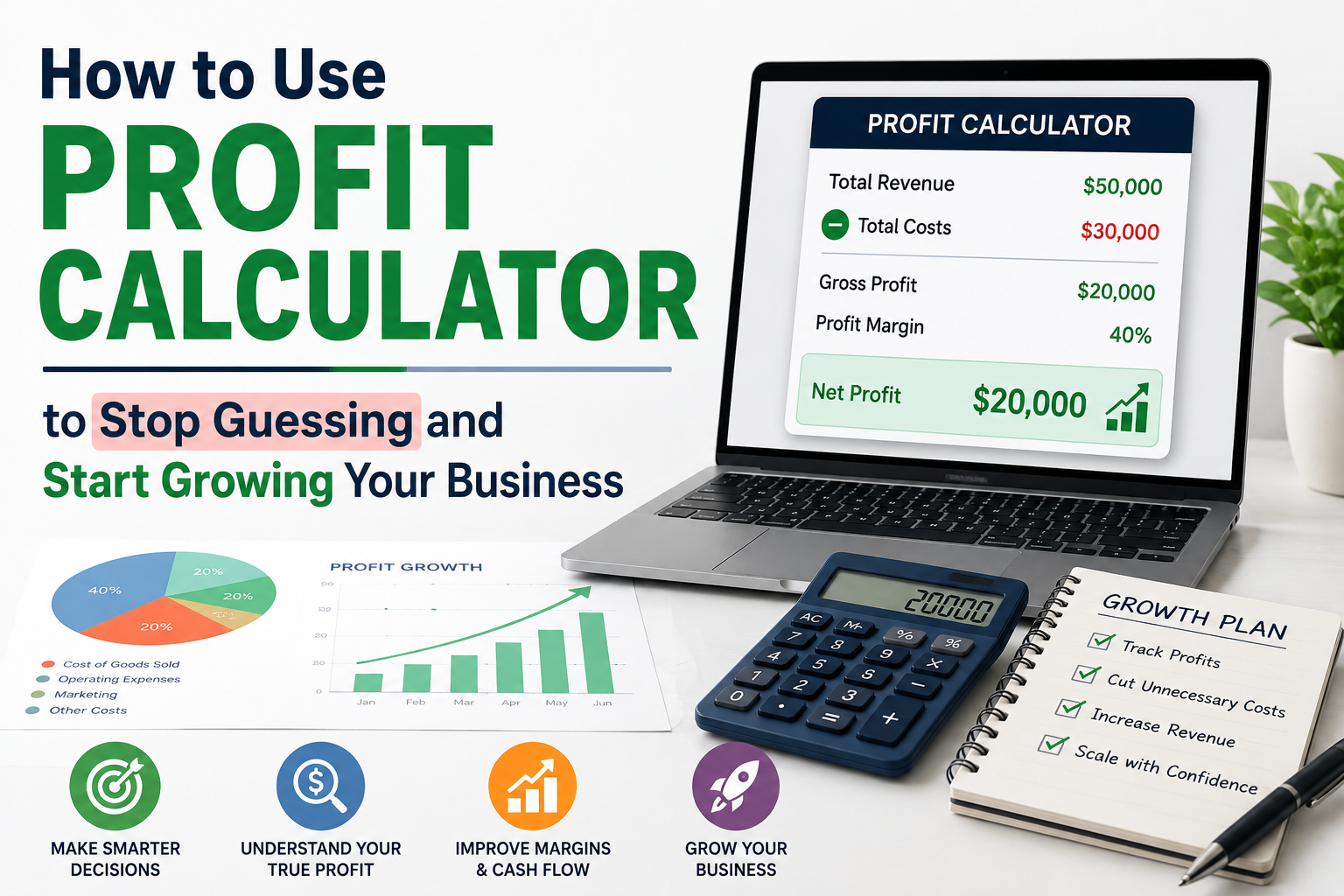
The calculator does this automatically, but the formula is: Revenue – COGS = Gross Profit. This number tells you if your core product is actually viable. If your gross profit is tiny, your pricing is wrong, or your suppliers are too expensive. No amount of advertising will fix a bad gross margin.
Step 2: Look at the Net Profit
Next, the calculator subtracts your operating expenses: Gross Profit – Operating Expenses = Net Profit. This is your “bottom line.” This is the actual money you get to keep, reinvest, or pay yourself.
Step 3: The Margin is the real story
This is the magic metric. The formula is: (Net Profit ÷ Total Revenue) × 100.
If you’re making 10%, it means for every K100 you bring in, you keep K10. In Zambia, if you’re sitting at 5% or lower in retail or services, you’re one bad month or one delayed payment away from trouble.
A Real-Life Example
Let’s look at a real scenario. Say you run a small boutique. You sell K50,000 worth of clothes in a month. You bought them for K25,000. That leaves you with K25,000. Then you pay K8,000 rent, K5,000 to your shop assistant, and K3,000 for ZESCO and internet. You’re left with K9,000. That’s an 18% margin. Not bad!
But if you want to make K15,000 next month, the calculator shows you exactly what needs to happen. You either need to sell way more clothes to push your revenue up, or you need to figure out how to cut K6,000 from your running costs. The math takes the emotion out of it.
3 Ways to Use This Data
- Test your prices: Put a slightly higher price into the calculator. See how much your profit jumps if you just increase your prices by 10%. Sometimes we’re scared to raise prices, but the math usually shows it’s the easiest way to grow.
- Find the leaks: If you’re selling a lot but keeping very little, your operating expenses are eating you alive. Look at where your money is going. Are you paying for subscriptions you don’t use? Is your ZESCO bill unusually high?
- Plan before you spend: Thinking about buying a delivery motorbike or hiring another person? Put that new monthly cost into the expenses box. The calculator will tell you exactly how much extra you need to sell just to cover that new cost.
Frequently Asked Questions
Is a 5% profit margin actually good?
Honestly, it depends. Supermarkets and high-volume wholesalers run on tiny margins because they sell thousands of items a day. But if you’re running a small business or a service, 5% is scary low. One delayed payment from a client and you’re in the red.
Should I pay myself a salary in the Operating Expenses?
Yes, and this is where most small business owners mess up. If you work in the business, pay yourself a fair salary. Put it in the operating expenses. The profit left over at the end is what the business made, not what you made for your time.
What if my Net Profit is negative?
Don’t panic, but do take immediate action. A negative net profit means you are operating at a loss. Use the calculator to run “what-if” scenarios. Can you raise prices? Can you drop your least profitable product line? Can you negotiate better terms with suppliers? You need to find the break-even point and push past it.