


What You’ll Learn in This Guide
- How to download your ECZ Grade 12 statement of results PDF
- Step-by-step online certification process
- How to verify ECZ results authenticity
- Combining results from multiple examination sittings
- Common problems and how to solve them
Understanding ECZ Statement of Results
The Examinations Council of Zambia (ECZ) issues official statements of results for Grade 7, 9, and 12 examinations. This document is crucial for:
- University and college admissions
- Job applications
- Scholarship applications
- Professional certification requirements
- Immigration and visa applications
How to Download ECZ G12 Statement of Results PDF
We understand that accessing your results online can sometimes be challenging. ECZ has made it easier than ever to access your results online. Follow these steps to download your statement:
Step 1: Visit the ECZ Results Portal
Go to the official ECZ results website: www.e-zams.net or results.ezams.net. Always use the official ECZ website to avoid fraudulent sites.
Step 2: Select Your Examination Type
Choose “Grade 12 School Certificate” or “GSC” from the examination options. Make sure you select the correct year of examination.
Step 3: Enter Your Examination Number
Input your 12-digit examination number exactly as it appears on your examination card. Double-check for accuracy before submitting.
Step 4: Verify Your Identity
You may be asked to enter additional verification details such as your NRC number or date of birth. This is a security measure to protect your results.
Step 5: Download or Print Your Results
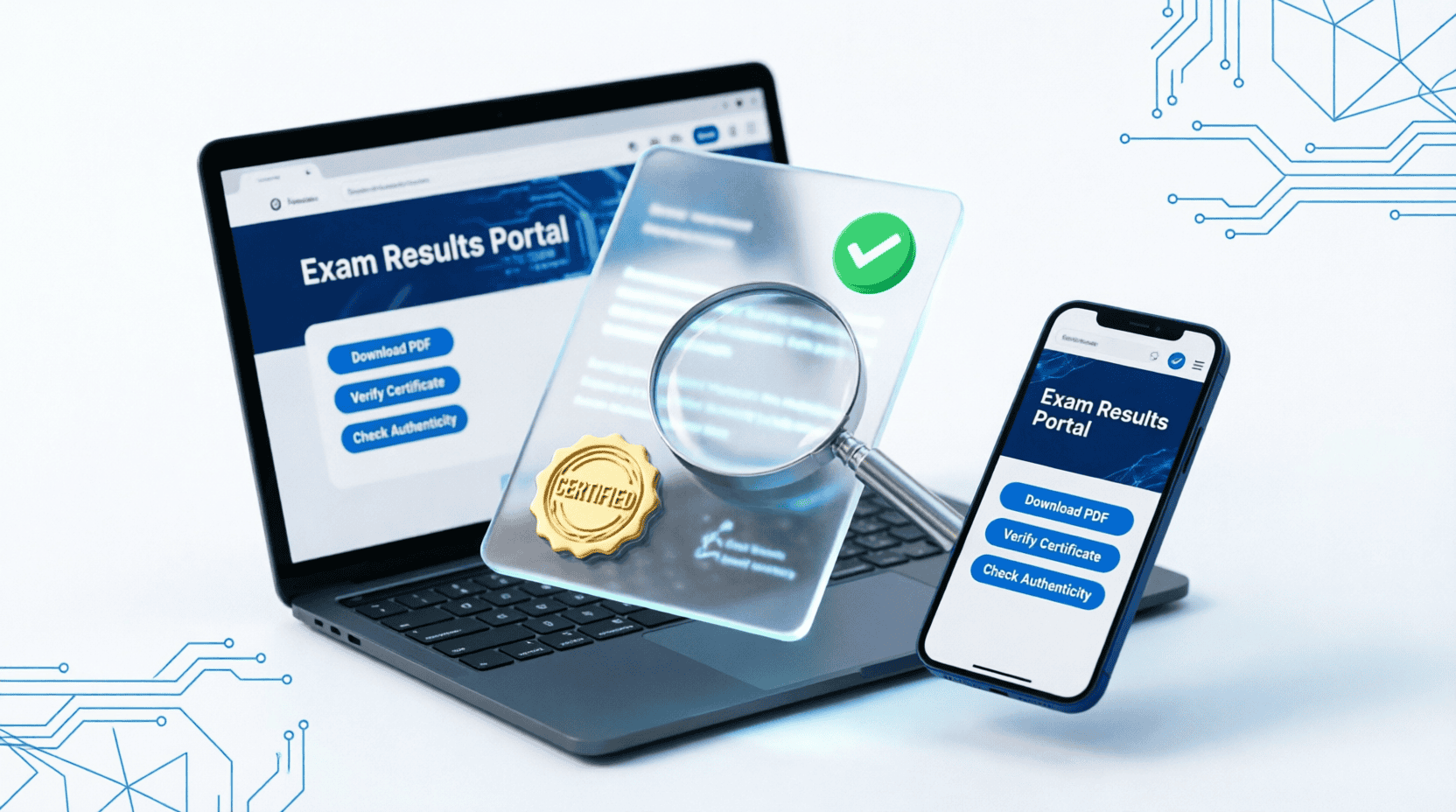
Once verified, your statement of results will be displayed. Click the “Download PDF” button to save a copy, or use the “Print” option for a hard copy. Always save multiple copies in different locations (email, cloud storage, USB drive).
How to Certify ECZ Results Online
We know that certification can seem complicated, but we’re here to simplify it. Certification confirms the authenticity of your results and is often required by universities, employers, and immigration authorities. Here’s how to certify your ECZ results online:
Method 1: Through ECZ Online Portal
- Log in to your ECZ account: Visit the ECZ certification portal and log in with your examination credentials.
- Select “Certification Services”: Navigate to the certification section from your dashboard.
- Choose certification type: Select whether you need a certified statement of results or a full certificate.
- Upload required documents: You’ll need to upload a copy of your NRC, passport-size photo, and your original statement of results.
- Pay the certification fee: Payment can be made via mobile money (Airtel Money, MTN MoMo, Zamtel Kwacha) or bank deposit. Current fees (2026):
- Certified Statement: K150
- Full Certificate: K250
- Express Service (24-48 hours): Additional K100
- Submit application: Review all information and submit. You’ll receive a confirmation SMS with a tracking number.
- Track your application: Use your tracking number to monitor the status of your certification.
- Collect or receive by post: Once certified, you can collect from ECZ offices in Lusaka or have it delivered (additional delivery fee applies).
Method 2: Through e-Zams Platform
The e-Zams platform offers an alternative certification route:
- Create an account on www.e-zams.net
- Verify your identity using your examination number and NRC
- Select “Certify Results” from the menu
- Follow the payment and document upload process
- Receive certified digital copy via email within 3-5 working days
How to Verify ECZ Results Online
We believe verification should be straightforward. Verification is essential when employers, universities, or institutions need to confirm the authenticity of your ECZ results. Here’s how the verification process works:
For Individuals Verifying Their Own Results:
- Visit the ECZ verification portal at verify.ezams.net
- Enter your examination number and year of examination
- Provide your NRC number for verification
- The system will display your results and verification status
- You can download a verification letter if needed
For Institutions/Employers Verifying Candidates:
- Institutions must register with ECZ for verification services
- Submit a formal verification request with the candidate’s consent
- Provide the candidate’s examination number and personal details
- Pay the verification fee (typically K50-K100 per verification)
- Receive official verification letter within 3-5 working days
How to Combine ECZ Results
If you sat for examinations in different years or sittings, we can help you understand how to combine your results to present your best grades. Here’s the process:
Eligibility for Combining Results:
- Results must be from the same level (e.g., both Grade 12)
- Results can be from different examination years
- You can combine a maximum of two sittings
- All examinations must be under the same examination number or linked numbers
Steps to Combine Results:
- Gather your documents: Collect statements of results from all sittings you want to combine.
- Visit ECZ offices: Combining results currently requires a physical visit to ECZ headquarters in Lusaka or provincial offices.
- Complete Form ECZ/COMB/01: Fill out the “Application to Combine Results” form available at ECZ offices or downloadable from their website.
- Attach required documents:
- Original statements of results from all sittings
- Certified copy of NRC
- Two passport-size photographs
- Application fee receipt (K200 as of 2026)
- Submit application: Submit your completed form and documents to the ECZ examinations department.
- Wait for processing: Processing takes 10-15 working days. You’ll be notified via SMS when ready.
- Collect combined certificate: Collect your combined statement of results from ECZ offices or have it delivered.
Common Problems and Solutions
Problem 1: Can’t Access Online Results
Solution: The portal may be down during peak times. Try accessing between 6-8 AM or 8-10 PM. Clear your browser cache or try a different browser. If problems persist, contact ECZ support at support@eczams.net or call 0211-252277.
Problem 2: Examination Number Not Recognized
Solution: Double-check your examination number for typos. If it’s still not working, your results may not be uploaded yet or there may be an issue with your registration. Visit your examination center or contact ECZ directly with your NRC number.
Problem 3: Payment for Certification Fails
Solution: Ensure you have sufficient mobile money balance. If using bank deposit, allow 24 hours for payment confirmation. Keep your payment receipt and transaction ID. If payment is deducted but not reflected, contact ECZ finance department with proof of payment.
Problem 4: Lost Examination Number
Solution: Contact your school or examination center where you sat for the exams. They keep records of all candidates. Alternatively, visit ECZ offices with your NRC and they can retrieve your examination number.
Problem 5: Discrepancy in Results
Solution: If you notice errors in your results (wrong subject, wrong grade, personal details), apply for re-check or re-mark within 30 days of results release. There’s a fee for this service (K100 per subject for re-check, K200 for re-mark).
Frequently Asked Questions
How long are ECZ results valid?
ECZ results don’t expire. Your Grade 12 certificate is valid for life. However, some universities and employers may prefer results from the last 5-10 years, especially for competitive programs or positions.
Can I get my results if I lost my examination number?
Yes. Visit your former school or examination center with your NRC. They can retrieve your examination number from their records. You can also visit ECZ offices with your NRC and personal details to retrieve it.
How much does it cost to certify ECZ results?
As of 2026, the fees are: Certified Statement of Results – K150, Full Certificate – K250, Express Service (24-48 hours) – Additional K100, Delivery Fee (if applicable) – K50-100 depending on location.
Can I combine results from different examination centers?
Yes, you can combine results from different centers as long as they’re from the same examination level (Grade 12) and under your name. The examination numbers may differ, but ECZ can link them using your NRC number.
How long does online certification take?
Standard processing takes 5-10 working days. Express service takes 24-48 hours. However, during peak periods (January-March, August-September), processing may take longer due to high volume.
Is the digital/online certified result accepted everywhere?
Most Zambian universities and employers now accept digitally certified ECZ results with QR codes. However, some international institutions or conservative employers may still require the physical certificate. Always check with the institution you’re applying to.
What if there’s an error in my certified results?
Contact ECZ immediately at corrections@eczams.net or visit their offices. Bring your original documents and proof of the error. ECZ will investigate and issue a corrected certificate if an error is confirmed, usually within 5-7 working days.
ECZ Headquarters: Plot 4358, Chancery Lane, Lusaka
Phone: 0211-252277 / 0211-253277
Email: info@eczams.net / support@eczams.net
Website: www.ezams.net
Office Hours: Monday-Friday, 8:00 AM – 4:30 PM
Disclaimer
This guide is for informational purposes only. Calculatorzed is not affiliated with the Examinations Council of Zambia (ECZ). All information is based on publicly available data and may change without notice. Always verify current procedures, fees, and requirements through official ECZ channels (www.ezams.net) before making any decisions. We are not responsible for any errors, omissions, or delays in this information or any losses arising from its use.