
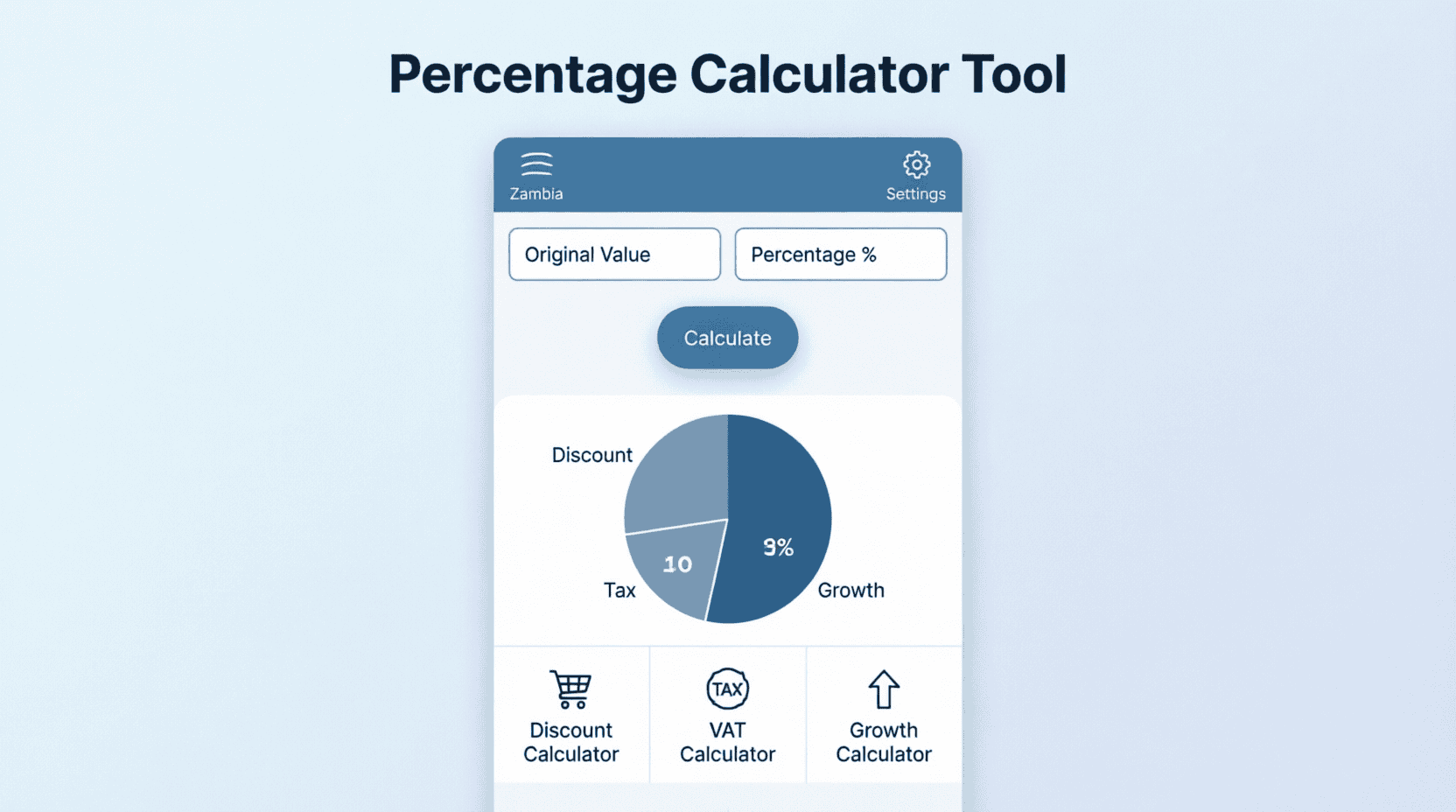

The Zambia Percentage Calculator is a versatile tool designed to help you quickly solve everyday mathematical problems involving percentages. Whether you need to calculate a 16% VAT addition, determine the percentage increase in your salary, find the original price before a discount, or analyze ZamStats inflation data, this calculator provides instant, accurate results. Percentages are fundamental to finance, retail, taxation, and statistics, making this tool essential for students, business owners, and consumers alike.
Percentage Calculator
Calculate what a specific percentage of a number is (e.g., What is 15% of 5,000?).
| Percentage (%) | Of Number |
Calculate the percentage increase or decrease between two values (e.g., salary raise, price drop, inflation rate).
| Original Value | New Value |
Find the original value before a percentage was added (like 16% VAT) or subtracted (like a discount).
| Final Value | Percentage (%) | Scenario |
About Percentages in Everyday Life
A percentage is a way of expressing a number as a fraction of 100 (literally “per cent” or “per hundred”). It is denoted by the symbol %. Percentages are used universally to compare proportions, calculate taxes, determine interest rates, analyze statistical data, and apply discounts. In Zambia, understanding percentages is crucial for navigating the Zambia Revenue Authority (ZRA) tax system (like the 16% VAT), understanding Bank of Zambia interest rates, and interpreting economic indicators published by ZamStats.
Quick Reference: Common Percentages
Memorizing common percentage equivalents can help you perform quick mental math when shopping or negotiating.
| Percentage | Decimal | Fraction | Quick Mental Trick |
|---|---|---|---|
| 10% | 0.10 | 1/10 | Move decimal one place left (e.g., 10% of 500 = 50) |
| 15% | 0.15 | 3/20 | Find 10%, then add half of that (10% + 5%) |
| 16% (Zambia VAT) | 0.16 | 4/25 | Find 10%, add half of that (5%), add 1% |
| 20% | 0.20 | 1/5 | Find 10% and multiply by 2 |
| 25% | 0.25 | 1/4 | Divide the number by 4 |
| 33.3% | 0.333 | 1/3 | Divide the number by 3 |
| 50% | 0.50 | 1/2 | Divide the number by 2 (Half) |
| 75% | 0.75 | 3/4 | Find 50%, then add 25% |
Calculation Formulas
The calculator uses standard mathematical formulas to solve for percentages. Understanding these formulas helps you verify your results and apply them manually if needed.
Result = (Percentage / 100) × Number
── Percentage Change (Increase/Decrease) ─────
Change = New Value – Original Value
% Change = (Change / Original Value) × 100
── Reverse Percentage (Find Original) ────────
If Final includes % (e.g. VAT):
Original = Final Value / (1 + (Percentage / 100))
If Final is after % discount:
Original = Final Value / (1 – (Percentage / 100))
If Final is % of Original:
Original = Final Value / (Percentage / 100)
Worked Examples
Item Price: K500
VAT Rate: 16%
VAT Amount = (16 / 100) × 500 = 0.16 × 500 = K80.00
Total Price = 500 + 80 = K580.00
Example 2 — Finding Original Price Before VAT (Reverse %):
Total Receipt (Inclusive of 16% VAT): K1,160
Original Price = 1,160 / (1 + 0.16) = 1,160 / 1.16 = K1,000.00
VAT Amount = 1,160 – 1,000 = K160.00
Example 3 — Calculating Salary Increase:
Old Salary: K8,000 | New Salary: K9,200
Absolute Change = 9,200 – 8,000 = K1,200
% Increase = (1,200 / 8,000) × 100 = 0.15 × 100 = 15%
Applications of Percentages in Zambia
Percentages are deeply embedded in the Zambian financial and regulatory landscape. Here are some of the most common applications:
- Value Added Tax (VAT): The standard VAT rate in Zambia is 16%, administered by the ZRA. When you see a price tagged “VAT Inclusive,” it means the 16% tax is already added to the base price. Use the Reverse % calculator to extract the base price.
- PAYE (Pay As You Earn): Income tax in Zambia is calculated using progressive percentage brackets (0%, 20%, 30%, 37.5%). Your taxable income is subjected to these percentages to determine your monthly tax liability.
- NAPSA Contributions: Employees contribute 5% of their gross pensionable salary to the National Pension Scheme Authority, while employers also contribute 5%.
- NHIMA: The National Health Insurance Management Agency requires a 1% contribution from employees based on gross income.
- Bank Interest Rates: The Bank of Zambia sets the Monetary Policy Committee (MPC) rate, which influences commercial bank lending and savings rates. Understanding compound interest percentages is vital for loans and investments.
- Inflation (CPI): ZamStats measures inflation as a percentage change in the Consumer Price Index. If inflation is 9%, it means the average cost of goods has increased by 9% over the year.
Tips for Accuracy
- Always Identify the Base: When calculating a percentage, ensure you know what the “100%” base value is. A 10% discount on a K1,000 item is K100, but a 10% increase on the resulting K900 is only K90.
- Beware of Successive Percentages: If an item is discounted by 20% and then another 10%, the total discount is not 30%. You must apply them sequentially: 100% → 80% → 72% (a total 28% discount).
- Use Decimals for Precision: When doing manual calculations, converting percentages to decimals (e.g., 15% = 0.15) reduces errors, especially when using a calculator.
- Check the Direction: An increase from 50 to 75 is a 50% increase. But a decrease from 75 back to 50 is a 33.3% decrease. The base value changes the percentage result.
Frequently Asked Questions (FAQ)
How do I calculate 16% VAT from a total inclusive price?
Use the “Reverse %” tab and select “Value includes % (e.g. VAT/Tax)”. Enter your total receipt amount and 16 as the percentage. The calculator will divide the total by 1.16 to give you the original price before tax.
What is the formula for percentage increase?
Subtract the original value from the new value to get the absolute change. Then, divide that change by the original value and multiply by 100. Formula: ((New - Original) / Original) × 100.
Why is a 50% increase not reversed by a 50% decrease?
Because the base value changes. If you have 100 and increase it by 50%, you get 150. If you then decrease 150 by 50%, you subtract 75 (half of 150), leaving you with 75, not 100. To reverse a 50% increase, you need a 33.3% decrease.
How do I calculate a tip in a Zambian restaurant?
A standard tip is usually 10%. To calculate it quickly, take the total bill and move the decimal point one place to the left. For a bill of K450.00, 10% is K45.00. For a 15% tip, calculate 10% (K45) and add half of that (K22.50) to get K67.50.
Can percentages be greater than 100%?
Yes. Percentages over 100% are used to indicate growth or values that exceed the original baseline. For example, if a company’s profit doubles, it has increased by 100% (or is now 200% of the original). If it triples, it has increased by 200% (now 300% of the original).
Additional Resources and Support
For official tax rates, economic statistics, and financial regulations in Zambia, consult these resources:
- Zambia Revenue Authority (ZRA) — VAT, PAYE, and tax bracket information
- Zambia Statistics Agency (ZamStats) — Inflation (CPI) and economic indicators
- Bank of Zambia (BoZ) — Interest rates, monetary policy, and financial sector data
- NAPSA — Pension contribution rates (5%)
- Securities and Exchange Commission (SEC) — Investment and capital market regulations
This percentage calculator is provided for informational and educational purposes. While it uses exact mathematical formulas, always verify critical financial calculations (especially for tax and legal contracts) with a qualified accountant or tax professional. The tool does not constitute financial or legal advice.
m
1 Comment