


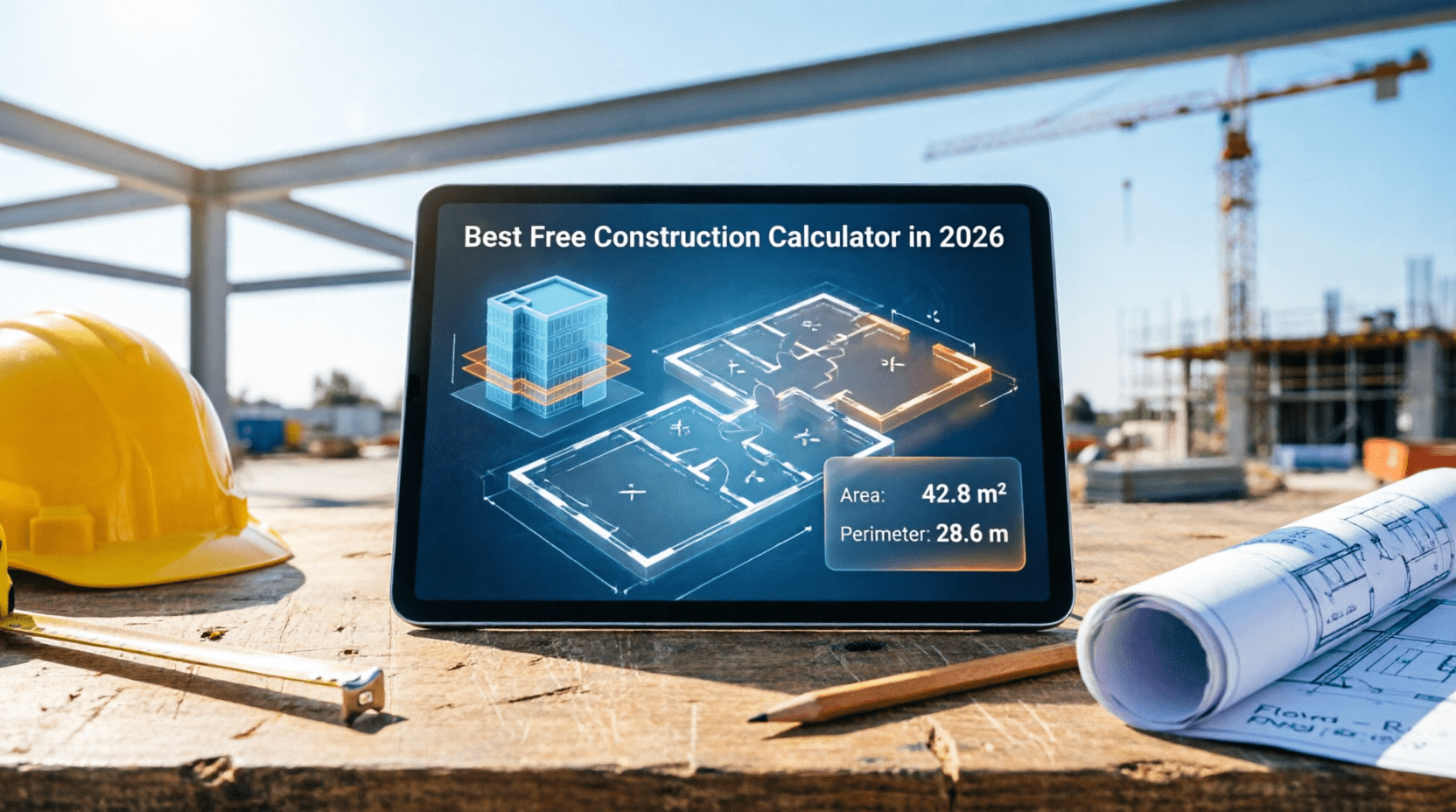
Best Free Construction Calculators for Contractors in 2026
Construction projects demand accurate numbers from day one. A miscalculation on concrete, blocks, or roofing materials can cost you thousands in waste — or worse, force a project halt mid-build. In 2026, free digital construction calculators have become essential tools for contractors, builders, and engineers who want faster, more reliable estimates without expensive software.
Why Contractors Need Construction Calculators
Manual calculations work — until they don’t. On a busy job site, mental math or rough estimates lead to over-ordering materials, budget blowouts, and time lost running back to the supplier. Digital calculators solve this by generating accurate estimates in seconds.
- Estimate material quantities fast
- Calculate concrete, brick & block needs
- Determine roofing & flooring materials
- Reduce costly material waste
- Create accurate project bids quickly
- Improve budgeting and cost control
- Do construction math directly on-site
- Speed up client quotes
Top 5 Free Construction Calculators for 2026
Here are the standout tools worth bookmarking this year.
BuildCalculate
BuildCalculate is one of the most comprehensive free platforms available, covering nearly every trade from concrete to drywall. What sets it apart is formula transparency — you can see exactly how each calculation works, which builds confidence in the estimates you hand to clients.
- Concrete estimation
- Roofing calculations
- Drywall materials
- Paint requirements
- Regional pricing support
Piece Work Pro Calculators
Piece Work Pro is built specifically for contractors who manage crews on piece-rate or labour-based pricing. With over 20 free calculators, it handles the financial side of contracting that pure material estimators miss — from payroll to job profitability analysis.
- Labour burden calculations
- Job profit estimation
- Payroll calculations
- Bidding assistance
- No registration required
Construction Calculator Mobile App
For contractors who spend most of their time on-site rather than in an office, this is the go-to. The app works fully offline — critical in areas with unreliable data connections — and covers the day-to-day calculations a builder reaches for constantly.
- Works offline
- Material quantity calcs
- Roof pitch conversions
- Stair calculations
- Framing calculations
Calculator.net Construction Tools
Calculator.net won’t win awards for design, but it’s fast, reliable, and covers the basics without any fuss. For quick concrete volumes or area measurements when you’re in the middle of a job, it gets the answer immediately with no distractions.
- Concrete calculations
- Area measurements
- Volume calculations
- No account needed
STACK Free Takeoff
STACK is a step up from basic calculators — it’s a digital takeoff tool that lets you measure quantities directly from construction plans. Ideal for contractors who are ready to move from manual paper takeoffs to a more professional digital workflow.
- Quantity takeoffs from plans
- Cloud-based project access
- Basic estimating included
- Good for digital transition
Quick Comparison
| Calculator | Best For | Free | Mobile |
|---|---|---|---|
| BuildCalculate | Material estimation | ✔ Yes | ✔ Yes |
| Piece Work Pro | Labour & bidding | ✔ Yes | ✔ Yes |
| Construction Calc App | On-site field work | ✔ Yes | ✔ Yes |
| Calculator.net | Basic construction math | ✔ Yes | ✔ Yes |
| STACK Free Takeoff | Digital plan takeoffs | Limited free plan | ✔ Yes |
Essential Formulas Every Contractor Should Know
Even with great tools, knowing the core formulas helps you spot errors and understand your estimates. Here are three you’ll use constantly.
Concrete Volume (Slab)
Example: 10m × 6m × 0.15m = 9 m³ of concrete
Wall Area
Example: 3m × 15m − 4m² (door) = 41 m² of wall
Roofing Area
Example: 80m² plan × 1.15 (low pitch) = 92 m² of roofing material
How to Choose the Right Tool
With several solid options available, the right calculator depends on where and how you work. Consider these seven factors before committing to a tool.
Accuracy of formulas used
Offline functionality
Mobile compatibility
Material estimation depth
Cost calculation tools
Ease of use on site
What’s genuinely free
Small contractors and independent builders will often get everything they need from the free tools listed above. Larger firms taking on commercial work may eventually outgrow them and need dedicated estimating software with project management integration — but for the majority of projects, free calculators are more than capable.
Construction Calculators for Zambian Contractors
Most online construction calculators are built for UK, US, or South African markets — using imperial measurements, foreign pricing, and materials that are hard to source in Zambia. That is why CalculatorsZed built free construction tools specifically for Zambian builders and contractors in Kitwe, Lusaka, Ndola, and beyond.
Cement and Blocks Calculator — Zambia
Our free Cement and Blocks Calculator is designed around standard Zambian block sizes and local mortar ratios. Enter your wall dimensions and it instantly tells you how many blocks, bags of cement, and cubic metres of sand you need — no conversion required.
Building Cost Estimator — Zambia
Getting a rough budget before breaking ground is critical for any project. Our Building Cost Calculator uses current Zambian material prices to give you a realistic estimate for foundations, walls, roofing, and finishing works — whether you are building in Copper Belt or Southern Province.
Why Local Calculators Matter
A contractor in Kitwe ordering materials based on a US-calibrated calculator risks serious over- or under-ordering. Local tools account for the actual block dimensions sold at Zambian hardware stores, local cement bag sizes (50kg standard), and the sand-to-cement ratios suited to Zambian conditions. Getting these details right saves money and avoids project delays.
Tips for Using Construction Calculators Effectively
A calculator is only as accurate as the measurements you put in. Follow these best practices to get reliable results every time.
Always Measure Twice
Before entering any dimensions into a calculator, measure twice on-site. A 200mm error on a 15-metre wall can throw your block count off by 30 or more units, which adds up quickly at current Zambian material prices.
Add a Waste Factor
No calculator accounts for on-site breakages, cuts around windows and doors, or mortar inconsistencies. Add a standard 10% waste factor on top of every material quantity the calculator gives you. For complex shapes or highly detailed brickwork, use 15%.
Use the Right Unit of Measurement
Check whether the calculator works in metres, millimetres, or feet before you start. Entering dimensions in the wrong unit is the most common cause of wildly incorrect estimates. CalculatorsZed tools all use metres by default, matching how Zambian builders typically work.
Recalculate When Plans Change
If your building plans change mid-project — an added window, a repositioned doorway, a revised floor plan — run the calculations again. Do not try to adjust the original estimate mentally. It takes less than a minute to recalculate properly and avoids costly ordering mistakes.
Frequently Asked Questions
What is the best free construction calculator?
BuildCalculate is among the best for comprehensive material estimation, while the Construction Calculator mobile app is best for on-site offline use. For Zambian-specific calculations, CalculatorsZed offers free tools calibrated to local materials and measurements.
How do I calculate how many blocks I need in Zambia?
Divide the total wall area (length × height) by the face area of one block. For a standard 390mm × 190mm block, each covers roughly 0.074m². For a 50m² wall, you need approximately 676 blocks — add 10% for waste and cuts, bringing the order to around 744 blocks. Use our free Cement and Blocks Calculator to do this instantly.
How do I calculate concrete volume for a slab?
Use the formula: Volume (m³) = Length × Width × Thickness. A 10m × 6m slab at 150mm thick requires 9m³ of concrete. Always add 5–10% extra for waste and spillage on site.
Are free construction calculators accurate enough for professional use?
Yes, for material estimation purposes. Free calculators use industry-standard formulas and are accurate when given correct input measurements. Always add a waste factor and get critical structural calculations reviewed by a qualified engineer.
Can I use a construction calculator offline in Zambia?
Yes. The Construction Calculator mobile app works fully offline — ideal for job sites where data connectivity is unreliable. CalculatorsZed tools run in any mobile browser when you have a connection.
Related Construction Tools on CalculatorsZed
Use these free Zambia-focused tools to plan your next project.
- Cement & Blocks Calculator
- Building Cost Estimator
- Concrete Volume Calculator
- Roofing Material Calculator
- Paint Coverage Calculator
- Profit Calculator for Contractors
Try Our Free Calculators
CalculatorsZed offers free construction, finance, and health calculators built for Zambian users. Try our Cement & Blocks Calculator or Building Cost Estimator today.
Explore Calculators →